After redeeming your print credits online or in-store, you’ll receive an email titled “Learning Materials” with your product access code and instructions.
Follow these simple steps to add your credits to your account
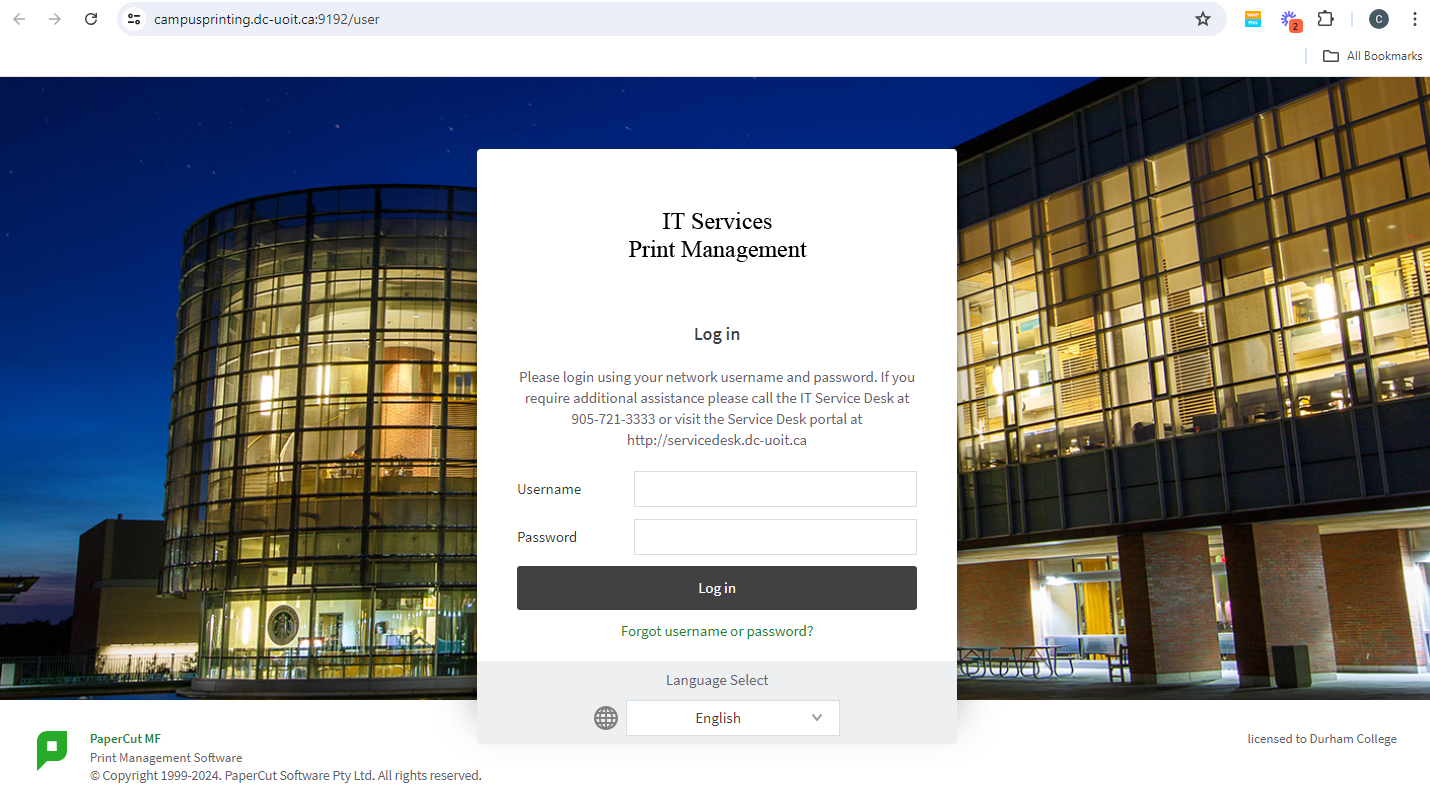
Once you're in your Papercut account:
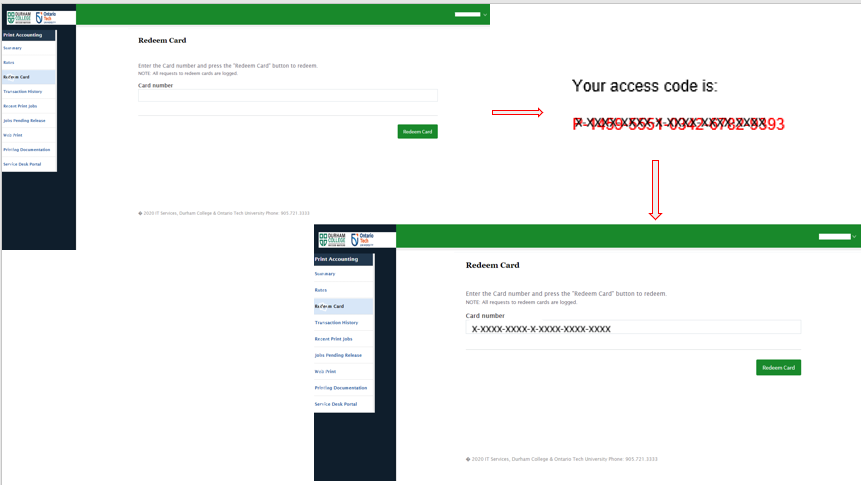
1)On the left menu, click on “Redeem Card”
2)Enter the 21-character red code included in your email
3)Click “Redeem Card”
The credit will automatically be added to your account!
To verify your credits have been added, click on “Summary”
Here, you’ll see details like your balance, print jobs, and pages printed
Your print credits are ready to use.
Happy printing, DC students!
For any assistance, please email us at
campusstore@durhamcollege.ca